

Logic puzzle · Puzzle
Minesweeper for NumWorks
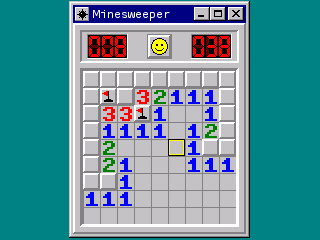
The Windows classic: Beginner, Intermediate, Expert or a custom field. The first square is always safe, and a no-guessing option makes every field solvable by logic.
Free · 22 KB · version 1.7.0 · Chrome or Edge on a computer
Screenshots
Runs on
Details
- Genre
- Logic puzzle
- Category
- Puzzle
- Version
- 1.7.0
- File size
- 22 KB
- Updated
- Made by
- Mason Chen (NumPlay)
- License
- GPL-3.0
How to install Minesweeper
- Plug your NumWorks into a computer with its USB cable.
- Open this page in Chrome or Edge and press Install on my calculator, then pick your calculator.
- When it says the cartridge is inserted, unplug the cable, press Home and open the game.


