

Rhythm platformer · Arcade
NumDash for NumWorks
Geometry Dash on your calculator. Jump over spikes, fly the ship, flip the ball and grab the secret coins across twelve levels of the real game, from Stereo Madness to Clubstep, Deadlocked and Dash.
Free · 162 KB · version 1.0.0 · Chrome or Edge on a computer
Screenshots
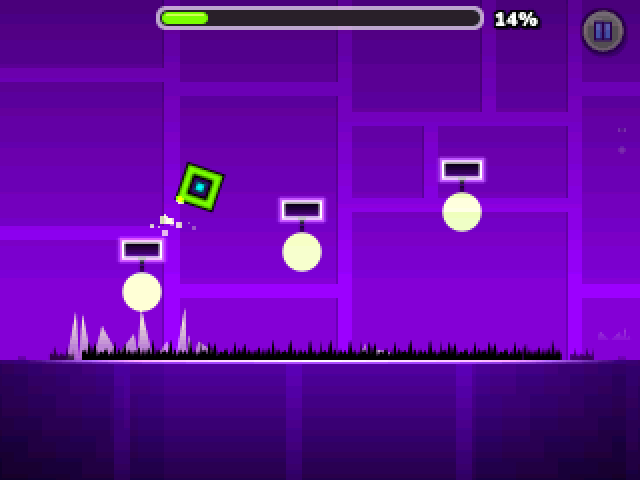
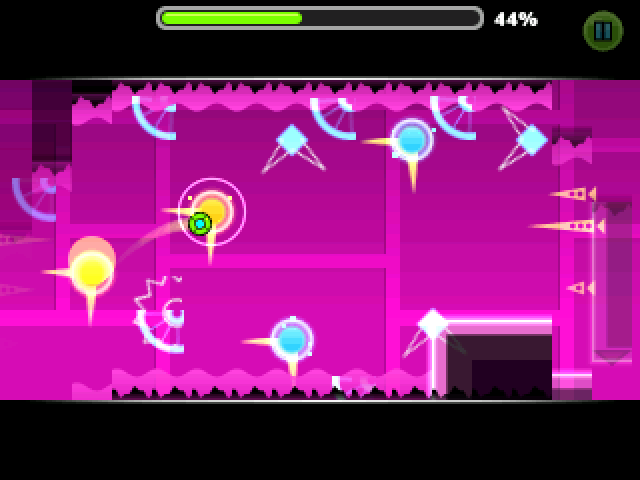
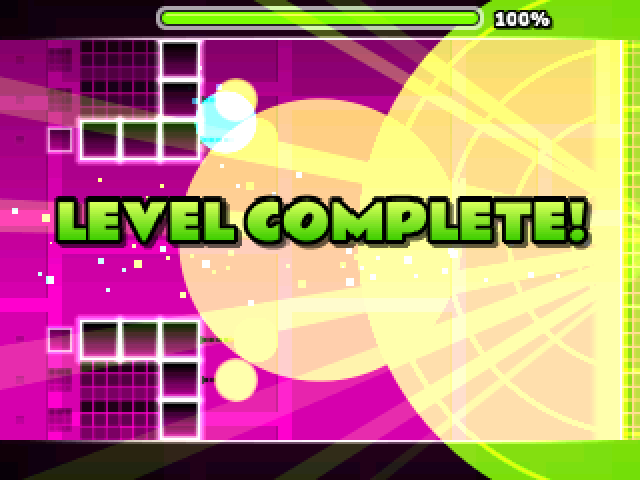
Works on
| NumWorks N0110 | Not tested yet |
|---|---|
| NumWorks N0115 | Tested on a real calculator |
| NumWorks N0120 | Tested on a real calculator |
Details
- Genre
- Rhythm platformer
- Category
- Arcade
- Version
- 1.0.0
- File size
- 162 KB
- Updated
- Made by
- Mason Chen (NumPlay)
- License
- GPL-3.0
How to install NumDash
- Plug your NumWorks into a computer with its USB cable.
- Open this page in Chrome or Edge and press Install on my calculator, then pick your calculator.
- When it says the cartridge is inserted, unplug the cable, press Home and open the game.


