

Endless runner · Arcade
Chrome Dino for NumWorks
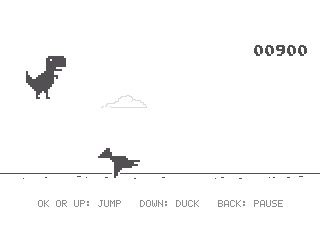
Run with the Chrome dinosaur, jump over cacti and duck under flying obstacles. Keep going as the pace increases.
Free · 31 KB · version 1.16.0 · Chrome or Edge on a computer
Screenshots
Validation status by model
| NumWorks N0110 | Not tested yet |
|---|---|
| NumWorks N0115 | Not tested yet |
| NumWorks N0120 | Not tested yet |
Details
- Genre
- Endless runner
- Category
- Arcade
- Version
- 1.16.0
- File size
- 31 KB
- Updated
- Made by
- Mason Chen (NumPlay)
- License
- GPL-3.0
How to install Chrome Dino
- Plug your NumWorks into a computer with its USB cable.
- Open this page in Chrome or Edge and press Install on my calculator, then pick your calculator.
- When it says the cartridge is inserted, unplug the cable, press Home and open the game.


